AI Ad Generator: How to Turn Product Context Into Testable Ads
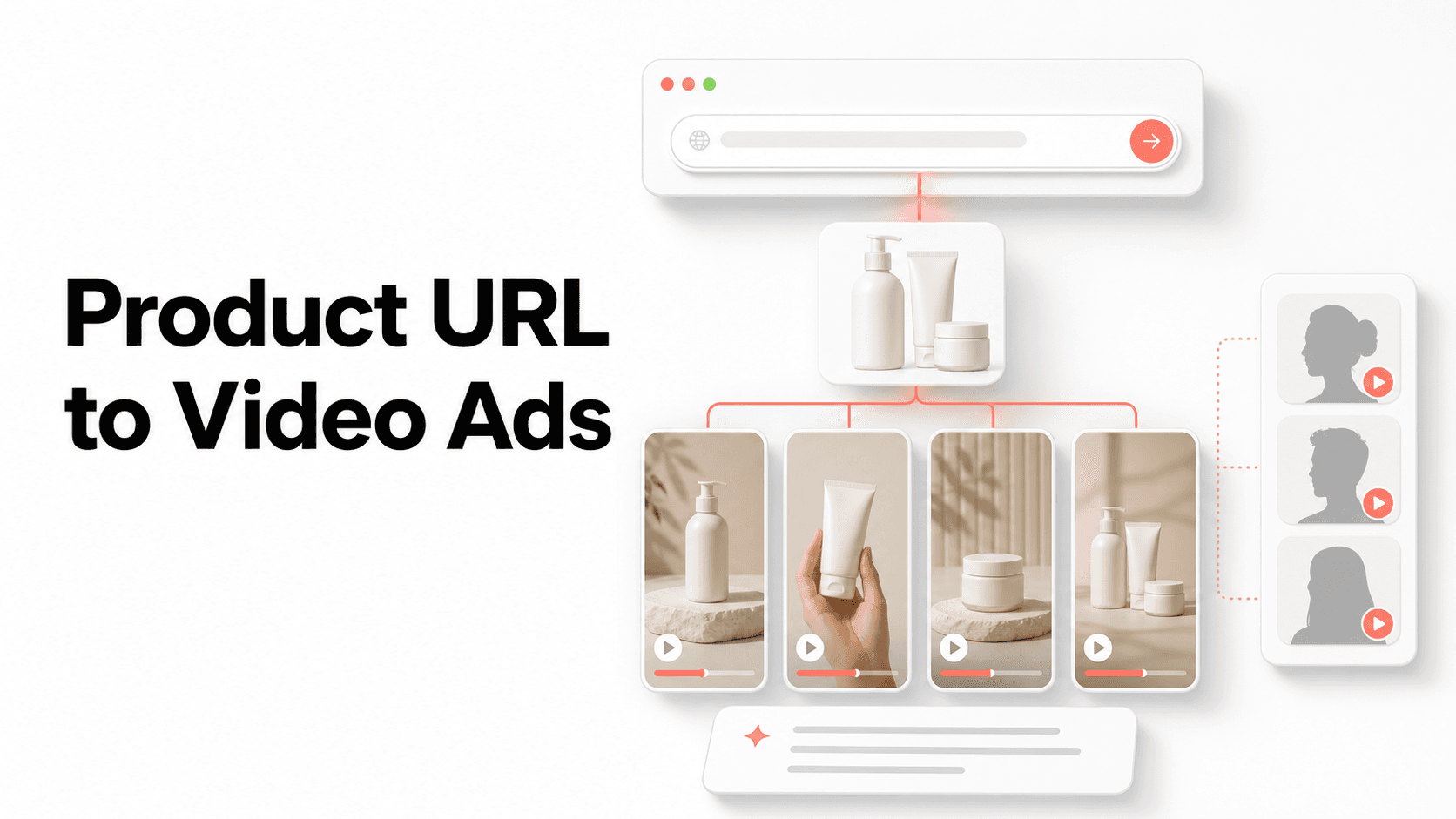
An AI ad generator is useful when it starts from real product context, not a blank prompt. The workflow should extract the offer, generate several angles, and turn those angles into video or image ads a team can actually test.
What an AI ad generator should do
A useful AI ad generator does more than write a caption. It should read the product page, understand the offer, find proof points, and create multiple creative directions that can become video, image, or UGC-style ads.
The output should be structured enough for paid social work: hook, script, visual direction, on-screen text, product asset, CTA, and the landing page context behind the claim.
Start with product context, not a blank prompt
The strongest workflow begins with a product URL because the page already contains the offer, visual assets, customer language, objections, proof points, and landing page promise that the ad must match.
A blank prompt can still help when a team has a new campaign angle, but it should be grounded in the same product facts. Otherwise the generated ad may sound polished while drifting away from what the buyer sees after the click.
What to test first
Start with message variety before visual polish. Test a problem hook, a proof hook, a routine, a before-after comparison, and an offer-led ad before spending time on small edits.
Sume is built around this path: product URL to ad brief, brief to script or image direction, and then into AI avatar video or image generation for Meta, TikTok, and Reels testing.
Build one brief into multiple formats
The same product brief should support more than one output. A problem-led angle might become a talking-head avatar video, a static image ad with one overlay line, and a short UGC script for a Meta or TikTok test.
This matters because early creative testing is about learning which message earns attention. Matching the brief across video, image, and script variants makes the result easier to compare.
Review before launch
Review every generated ad for claim accuracy, product visibility, caption readability, brand tone, platform policy risk, and whether the CTA matches the page users will land on.
AI speed should shorten the first draft and variant loop, not remove human judgment. Sensitive categories, customer-result claims, health, finance, beauty, and regulated products need extra review before spend.
FAQ
What is an AI ad generator?
It is a tool that turns product context, prompts, or URLs into ad scripts, images, or videos for paid social testing.
Should I use a URL or write a prompt?
Use a URL when the product page has enough offer and image context. Use a prompt when the campaign angle is not visible on the page yet.
Can an AI ad generator make both video and image ads?
Yes, if the workflow separates the product brief from the final format. The same offer and angle can become an avatar video, a UGC script, or a static image ad.
What should I check before publishing AI-generated ads?
Check factual claims, product visuals, captions, brand tone, platform policy risk, and whether the ad matches the landing page. AI output should be treated as a draft until reviewed.